Your session timed out
You're being logged out due to inactivity.
 Women's
Eyeglasses
 Men's
Eyeglasses
 Kids'
Eyeglasses
 Transitions®
 Blue-violet
Light

Get up to 80% off frames with insurance
Last chance to use your benefits before they expire!

 Women's
Sunglasses
 Men's
Sunglasses
 Kids Sunglasses
 Polarized
 Prizm™ Polarized

Get up to 80% off frames with insurance
Last chance to use your benefits before they expire!



Give the gift of Ray-Ban Meta (Gen 3)
Unwrap a whole new way to experience the holidays with next-generation AI glasses.
 Explore the features
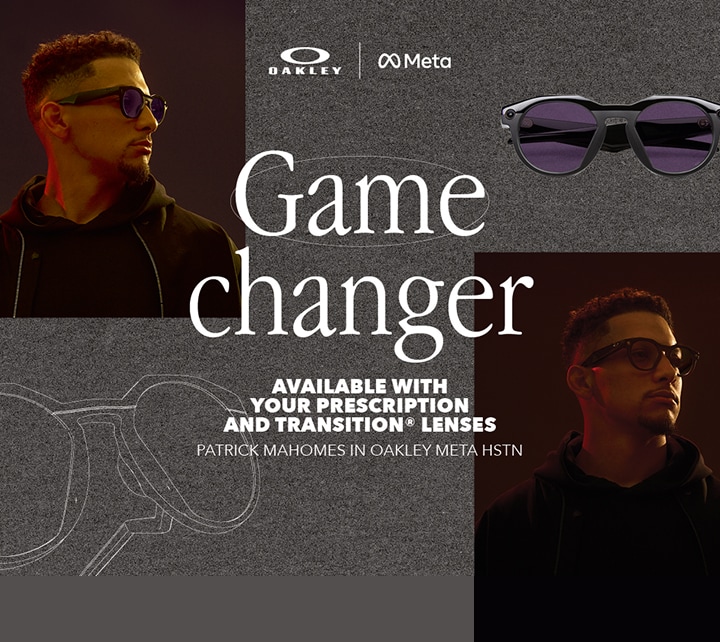
Keep moving
With ultra-dynamic lenses that rapidly adapt
to all conditions.
Iconic style, cutting-edge technology and light-weight form unite.
SHOP RAY-BAN | META Feature highlights
 Captured on Ray-Ban | Meta
 Controls & choices
With ultra-dynamic lenses that rapidly adapt
to all conditions.
SHOP OAKLEY | META Discover Oakley Meta AI
 Take a closer look
 Explore the features
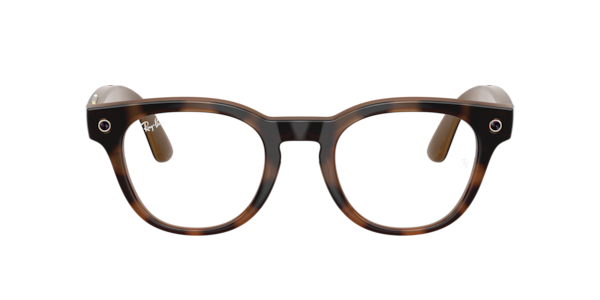


New to contacts? Learn more
Apply your vision insurance
FSA | HSA Eligible
Need any help? Contact us

Give the gift of Ray-Ban Meta (Gen 3)
Unwrap a whole new way to experience the holidays with next-generation AI glasses.
Deals on frames +
lenses
Pick your frame, add lenses, and save more.
Designer clearance
Eyewear deals
Contact Lens deals

50% off additional prescription glasses
Valid with a Target Optical purchase of $100 or more. Exclusions apply.
Use your benefits at TargetOptical
Choose from a wide range of
frames,
lenses and designer brands
Comprehensive digital eye exams
Shop online from anywhere
Convenient store locations and
hours
of operation

Save up to 80% on frames with your insurance
Last chance to use your benefits before they expire!
Check your insurance eligibility
We accept most major insurance plans. Simply search for yours from the panel below. Learn more about insurance
STEP 1 / 2 Select your carrier
We also accept out-of-network plans
If your plan is not in-network, you can submit a claim form directly to your insurance company and receive a reimbursement after purchase. Download Form
Need help?
 Give us a call at

 Check out our
We also accept out-of-networks plans
You may also use out-of-network benefits at Targetoptical.com for most other vision insurance companies, like VSP. You can submit the claim form directly to your insurance company. Download the form
Sit tight, we're looking for you
We're finding your insurance benefits information. This may take a few minutes.

 Success! We found you
See below for your available benefits.
| Frames |
| Good news, you can still save! Get 40% off prescription glasses or 20% off frame only applied automatically at checkout. Having issues? Use these promo codes 40% off prescription glasses 20% off frame only |
| Lenses |
| |
| Contact lenses |
| |
| Eye exam |
|
 Benefits
unavailable
Frames
Good news, you can still save! Get 40% off prescription glasses or 20% off frame only applied automatically at checkout. Having issues? Use these promo codes 40% off prescription glasses 20% off frame only |
Lenses
|
Contact lenses
|
Eye exam
|
Too many failed attempts
Try again in [xx:xx] minutes.
For your security, we've temporarily blocked your insurance look-up function.
We also accept out-of-network plans
If your plan is not in-network, you can submit a claim form directly to your insurance company and receive a reimbursement after purchase. Download Form
Need help?
We're having trouble finding you
Make sure what you entered matches the insurance information on file.
For your security, you will have
to look up your insurance benefits. For help call, 1-877-848-8476
Need help?
Discover all our accepted vision plans online and in store. Discover more
Something went wrong
We're having some technical issues and aren't able to retrieve your insurance benefits right now. We suggest trying again in a few minutes.
Need help?
Reset your password



Online exclusive
Extra 10% off prescription lenses
Discover your favorite style, customize your lenses and save on your next pair of Ray-Ban Meta AI glasses.
Shop now
Feature highlights

Meta AI
Get more done without reaching for your phone.
Let Meta AI handle your daily tasks so you can focus on what matters. Now you can take your
personal AI assistant with you wherever you go. Need to set a reminder? Just ask. Want to check
your calendar or add an appointment? No problem. You can even get updates on news, weather, or
your daily schedule on your morning commute. Meta AI adapts to your preferences over time, so
you’ll get personalized suggestions to make sure you never miss a thing.

All-day comfort
AI glasses never felt lighter.
Wearing Ray-Ban Meta Audio glasses feels like the timeless Ray-Ban frames you love, with the full
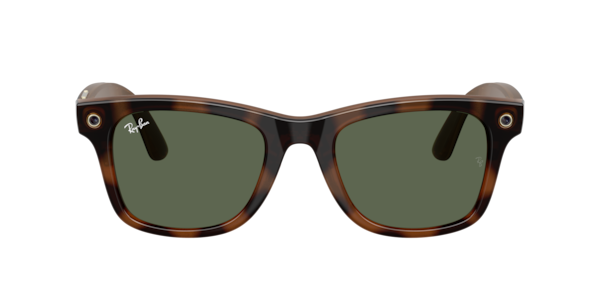
power of Meta AI and open-ear audio built right into the frames. Both the iconic Clubmaster and
the legendary Burbank are identical to the original Ray-Ban styles. Each offers premium comfort
all day, including customizable features, like adjustable nose pads, to ensure a perfect fit.
Subtle tech features like the action button are ready when you need them but never get in your
way.

Live translation
Translate conversations in
other languages in real time.
With live translation, seamlessly explore new countries or connect with people who speak
different languages. Converse in real-time between French, Italian, Spanish, English,
Portuguese, German and more. Translations are audible through your glasses and visible as
transcript on the Meta AI app, helping you connect effortlessly.

Enhanced listening
Audio that flows with your day.
No more wasting time searching for the perfect playlist or your next favorite podcast. Just ask
Meta AI to play it! Stay in the moment with your morning coffee run, listen to a great audiobook
for your evening commute, or kick back with the right mood for a lazy afternoon. Open-ear speakers
let the world in while you listen, so you can tune in without tuning out. Spatial audio makes
every song feel like it’s happening around you.
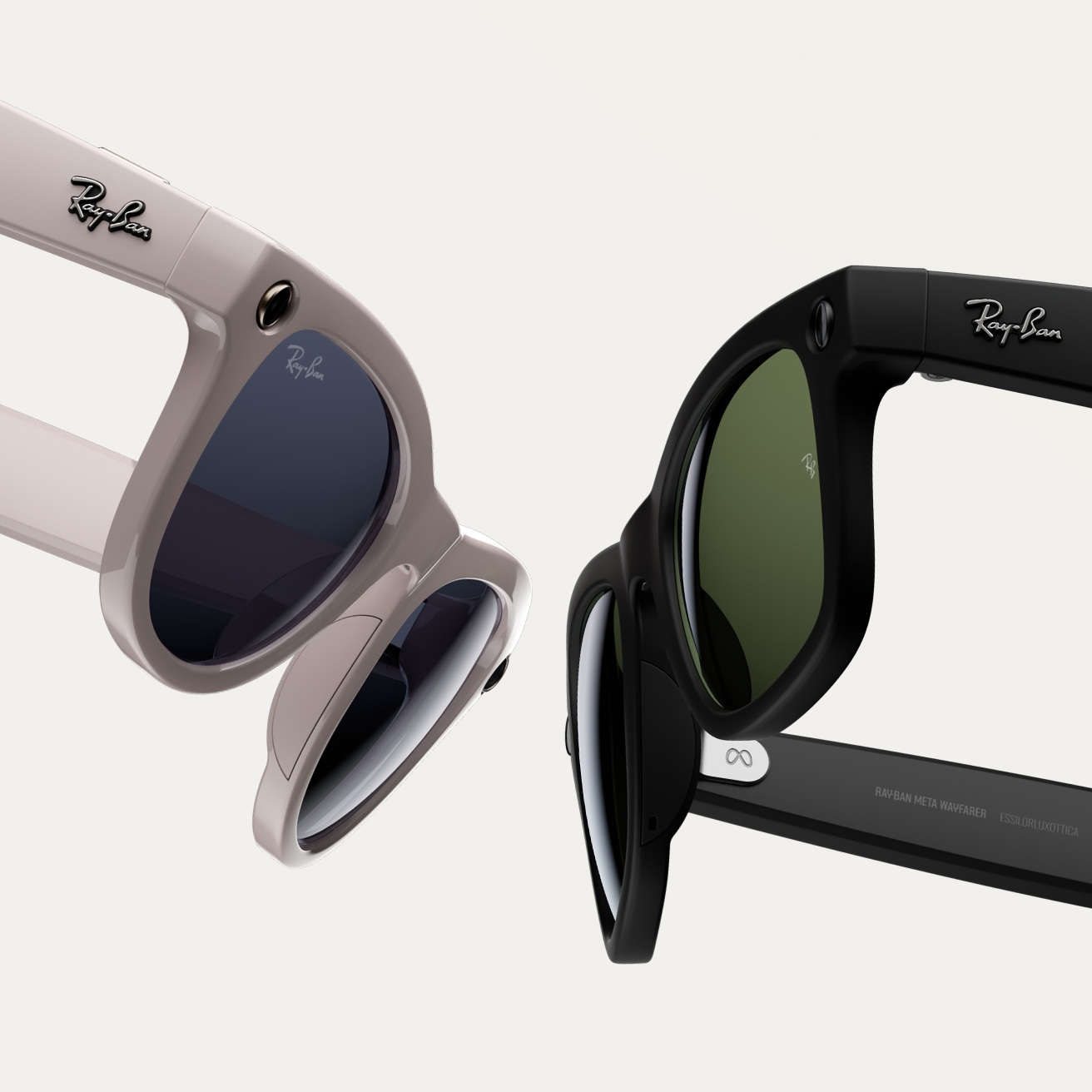
Hands-free comms
Effortlessly connect
hands free.
Send text or voice messages, make phone calls, and take video calls hands-free, all from your AI
glasses. It’s perfect for listening to your favorite playlist on your commute, sending a quick
text, or making a call when your hands are full the next time you’re cooking and need to ask for
help with a family recipe.

Best paired with Transitions® lenses
Experience ultimate freedom of movement and self-expression with Transitions® dynamic lenses on Ray-Ban Meta. They seamlessly adapt to changing light, darkening outdoors when exposed to UV and fading back indoors. Feel confident in your AI glasses in any light with continuous vision performance and style.
Shop your Ray-Ban Meta glasses in 4 easy steps
1 | Find your perfect pair
Discover our range of Ray-Ban Meta frames and select your favorite.
2 | Select your lenses
Choose your lenses, add your prescription, and sync your insurance anytime.
3 | Personalize your lenses
Select lens type and thickness, and add lens treatments like Transitions® lenses.
4 | Complete your purchase
We ensure 100% satisfaction with our 30 day happiness guarantee.




Controls & Choices
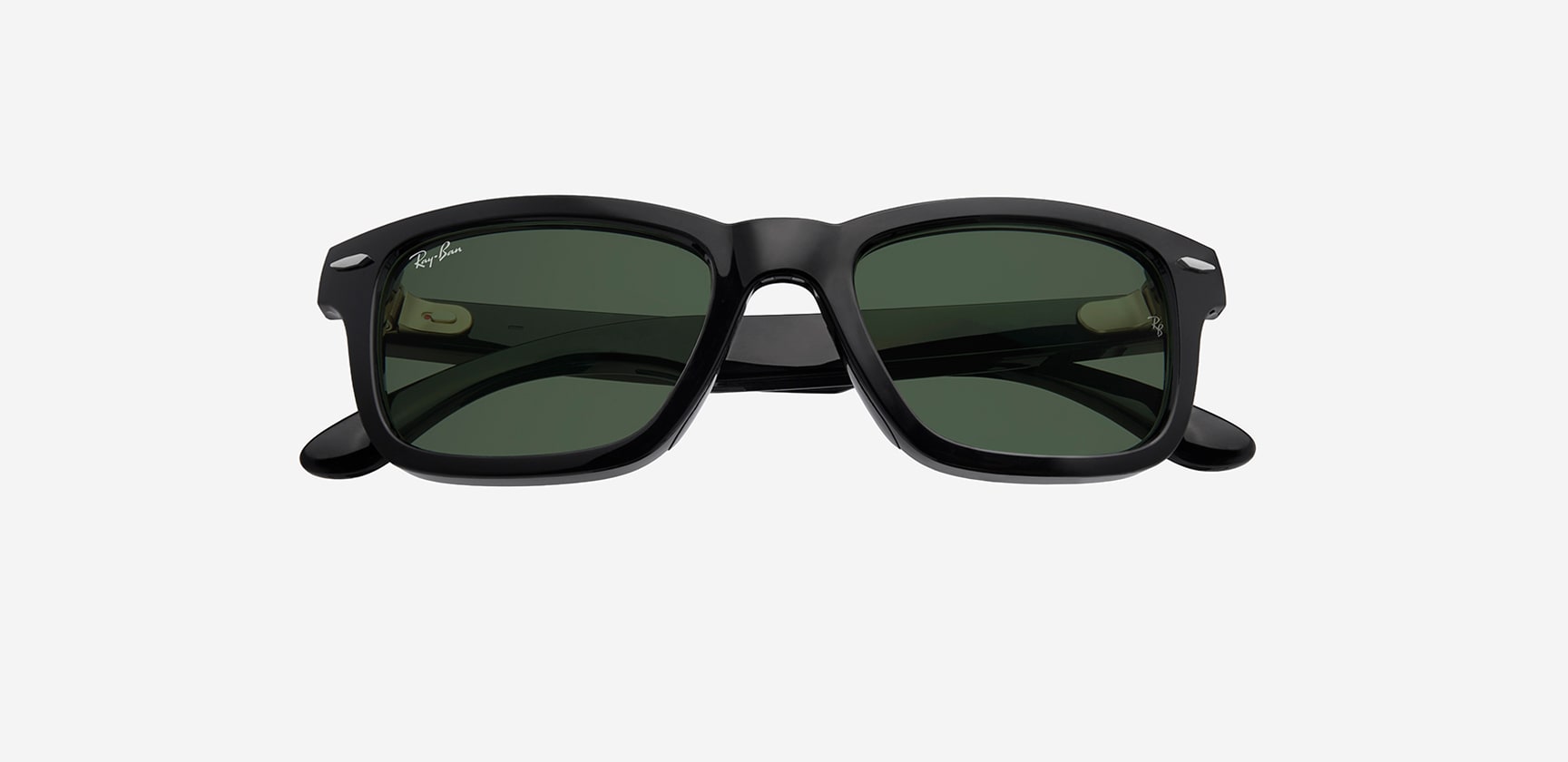
Tech that blends in. Style that stands out.
Wearing Ray-Ban Meta Audio feels identical to the classic frames you love. With tech that blends in seamlessly with the frames, you can enjoy the full power of Meta AI and open-ear audio all day.
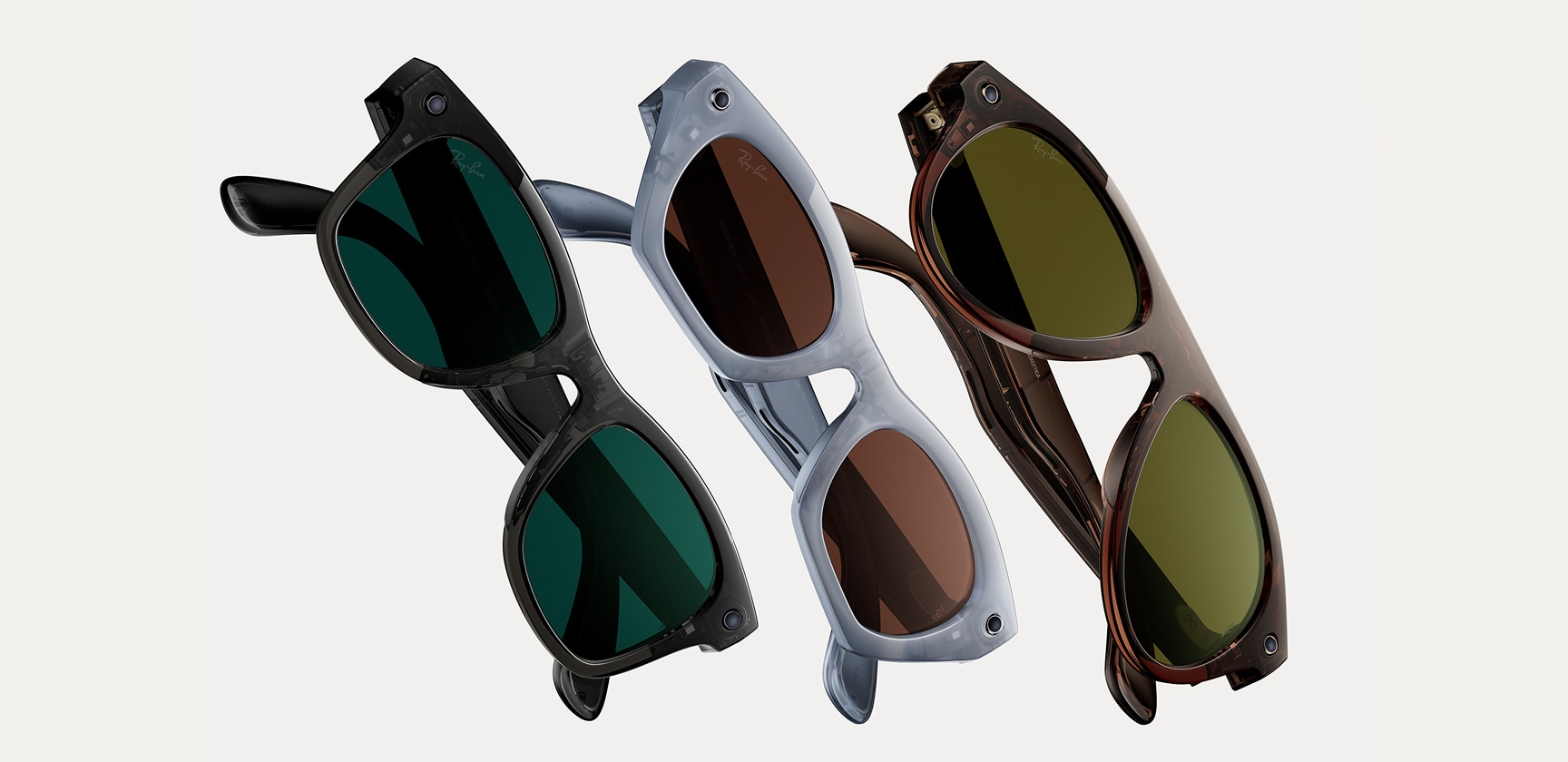
Iconic styles, redefined with Meta AI
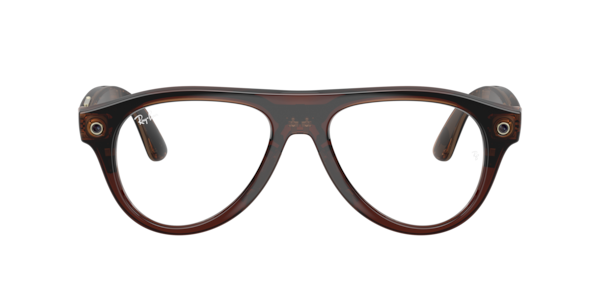
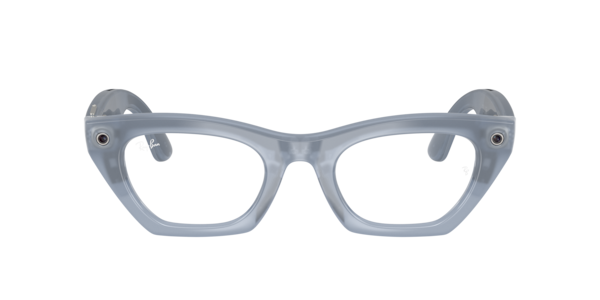
Two iconic frames have joined the Ray-Ban Meta collection. Aviator brings a timeless silhouette into the future and Zena offers a bold new cat eye style.

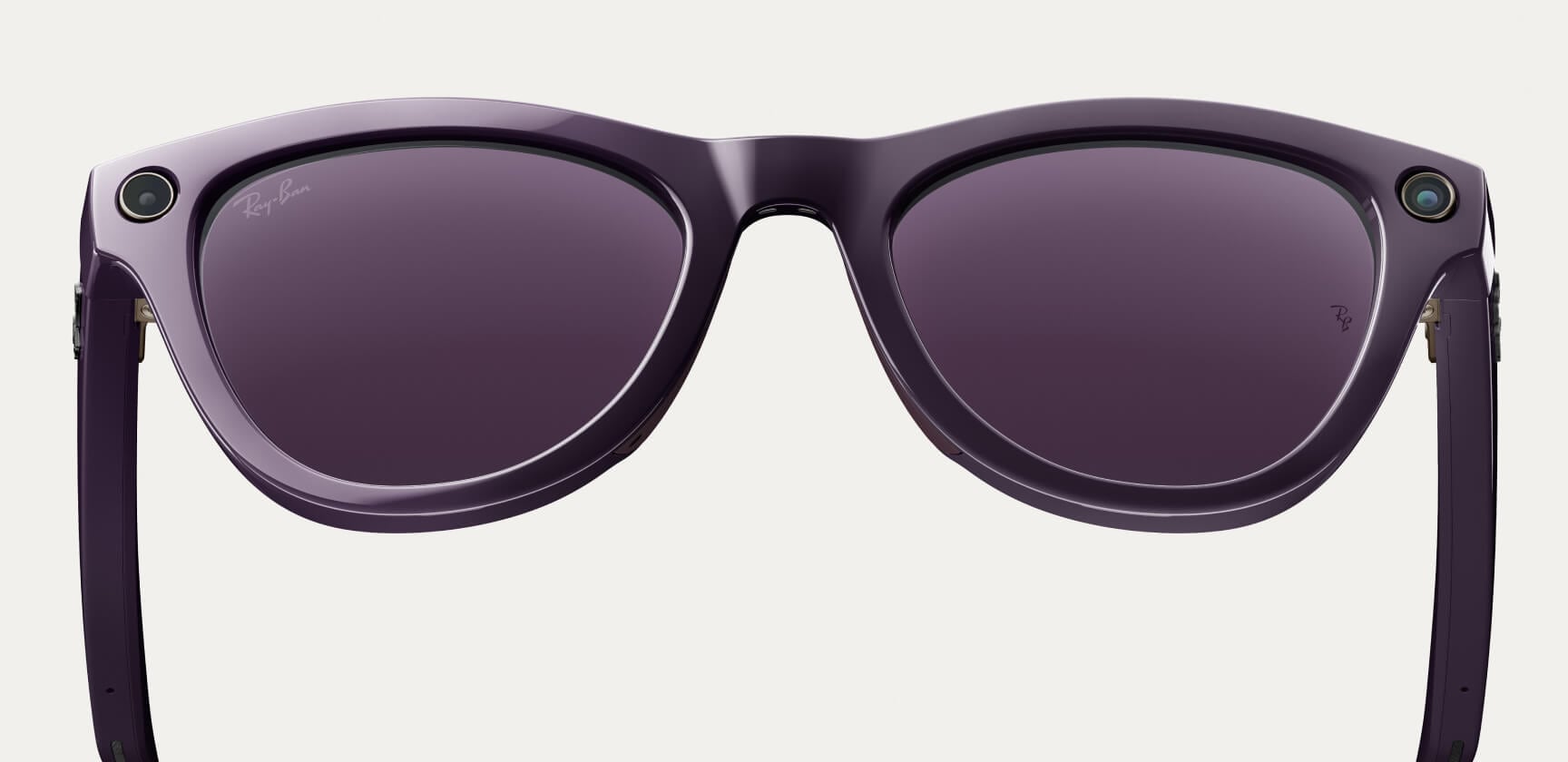
Customizable fit with new optical styles
New slimmer design for lightweight comfort and style. Experience our most customizable fit yet, with over-extension hinges with 10 degrees of extra rotation, flexible nose pads and adjustable temple tips.
Changing the game with AI glasses
Capture every play with hands-free livestreaming,
powered by Ray-Ban Meta.
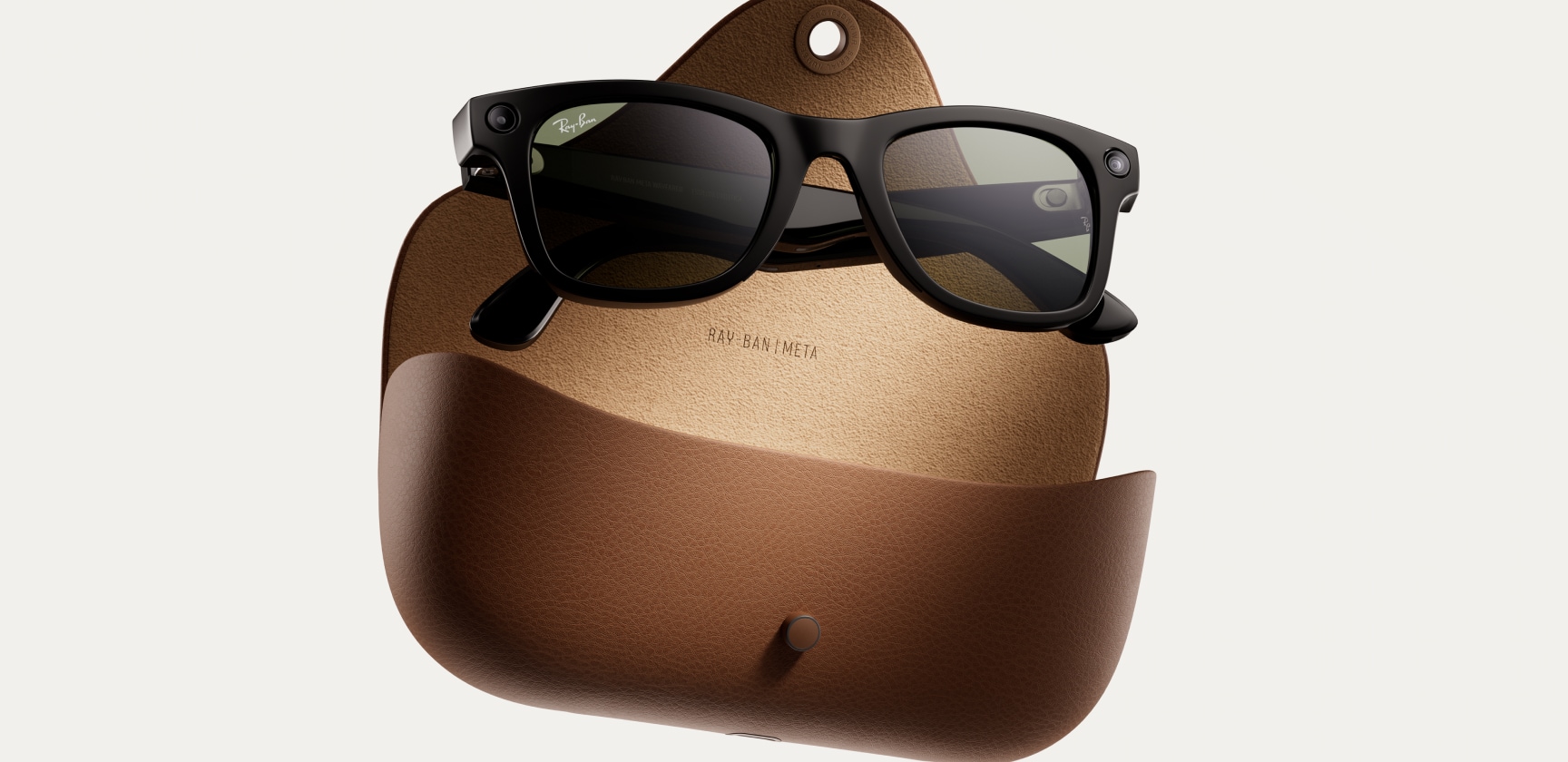
Better charge and battery life
Focus on your day without
interruption thanks to four hours of battery life, plus a
portable charging case*, now with up to eight
charges.
*To reduce waste, we
ship the Ray-Ban Meta collection without a charging
cable. Visit our FAQ for cable and adapter
information.

Colors
Choose from an original frame and lens palette featuring timeless classics and bold new tints exclusive to the Ray-Ban Meta collection.

Voice command
Unlock a range of hands-free
possibilities and stay connected to what matters. Call and
message, capture content, and manage media settings – with your
phone in your pocket.
Voice
features available in English, Italian and
French.

Tech highlights
See what’s been added and enhanced in the new collection.
Meta AI app
Manage your glasses and customize
settings,
import and share photos, and interact with your personalized Meta AI* assistant seamlessly
across your
glasses and the app. Learn about features and see how others are getting the most out of
Meta AI through
the feed.
*Certain Meta AI features only available in select countries and
languages.


Get support

Pickup in store
Shop online and pick up for
free at your nearest store.
You can select
this shipping method at checkout.

Help getting started
Our expert team will set up your glasses for you and provide free aftercare in store.

Demo glasses in store
We’ll guide you through all the latest features with our dedicated interactive app.
(1) Voice commands available only in selected countries and languages. Please check local availability.
(2) Certain Meta AI features available only in selected countries and languages. Please check local availability.
(3) Low or high-temperature conditions may impact device behavior or performance. Using the device in very hot/cold conditions can permanently shorten battery life. Performance varies based on user location, device battery, temperature, internet connectivity and interference from other devices, and many other factors.
(4) Up to 8 hours on single charge plus up to additional 40 hours of charge time per fully charged case. Battery life varies by use, configuration, settings and many other factors. Actual results will vary. Visit our FAQ for more details.
(5) To reduce waste, we ship the Ray-Ban Meta collection without a charging cable. Visit our FAQ for cable and adapter information.
Meta account and Meta AI app required. For ages 13+ only. Requires compatible phone with Android or iOS operating system plus wireless internet access.
Certain Meta AI features only in select countries and languages. Please check local availability. For ages 13+ only. Software updates required for optimum performance. Check Safety & Warranty Guide and FAQ for more product information.
Faq
To pair your glasses, open the Meta AI app and make sure you're logged in to your Meta account. If you already have glasses paired to the Meta AI app, go to Settings and tap the ""Add Device"" button on the top right. Then: 1. Select either Ray-Ban Stories or Ray-Ban Meta and proceed until you reach bluetooth pairing (bluetooth permissions must be granted) stage. 2. Make sure your glasses are turned on and placed in the case. 3. Press and hold the pairing button on the back of the case for 5 or more seconds. Release when the case LED pulses a blue light. 4. Your glasses should automatically appear in the app when they're ready to pair."
Choose between Standard and Expedited shipping in all supported countries. Our Collect in store service is available in select locations. The shipping methods available for your address will be visible at checkout. For full details please refer to our Shipping Policy.
To operate Ray-Ban Meta glasses you need to connect your glasses with a smart phone and the Meta AI App. Here’s the complete checklist: • Smart phone with a recently released operating system: Android 10 and above (with location services enabled) or iOS 14.4 and above. See complete list of supported phones here. • Wireless internet access • USB-C charging plug (if charging from a power outlet and not directly from a USB point) • A valid Meta account • Meta AI App (downloadable from your App store here or by scanning this QR code)
Your Ray-Ban Meta glasses come with the following accessories and user manuals: • Charging case • Quick Start Guide • Safety & Warranty Guide (also downloadable here) • Instructions for ordering Prescription lenses • Cleaning cloth
WHEN YOU FIRST UNBOX YOUR RAY-BAN GLASSES: 1. Remove the plastic tab between the case and the glasses 2. Make sure your glasses are redocked inside the case 3. Wait until the LED light starts flashing blue 4. Your device is now ready to pair MANUALLY: 1. Place your glasses inside the case 2. Press and hold the button on the back of the case for at least 5 seconds 3. Wait until the LED light starts flashing blue 4. Your device is now ready to pair PAIRING YOUR GLASSES WITH YOUR PHONE: 1. Download the Meta AI app from your app store and log in using your Meta account. 2. Turn on the Bluetooth setting on your phone. 3a. Start by turning on your glasses. Slide and hold the power switch towards the lens until the notification LED starts blinking white, then release it. The notification LED blinks white while your glasses turn on, which can take up to a minute. When the notification LED turns solid green, you're ready to continue. (If you can’t complete this step, continue to 3b, otherwise move on to step 4). 3b. Your glasses need to be fully charged before pairing. If you need to charge your glasses, place them inside the charging case and connect the case to a power source before moving on to step 4. 4. Put your glasses into Bluetooth pairing mode. Fold both arms and hold the capture button on top of the frames down for 12 seconds until the LED on the inside of the frames starts blinking blue. Your glasses will appear in the app when they're in pairing mode, which can take up to 10 seconds. 5. Continue following the instructions in the Meta AI app to finish setting up your glasses. 6. Enjoy exploring your world in a new way with the Ray-Ban Meta collection. For illustrated set up instructions, please refer to the Meta AI app.
You can download the Ray-Ban Meta collection companion app, Meta AI, from the Apple App or Google Play stores.

Please note: The app is also available in some countries where the product is not sold. Different terms of service may apply.
Your Ray-Ban Meta glasses have a different charge lifecycle based on the
generation.
1) Ray-Ban Meta: Fully charged glasses last up to 4 hours for moderate usage and
up to 3 hours with continuous audio
streaming and voice assistance. This may vary with use and other factors.
2) Ray-Ban Meta gen 2: Fully charged glasses last up to 8 hours for moderate
usage and up to 5 hours with continuous
audio streaming and voice assistance. This may vary with use and other factors.
Ray-Ban Meta gen 2 is an upgraded version of Ray-Ban Meta, offering improvements
in video quality, battery life and
smart features:
1) Better Video Quality
- Ray-Ban Meta gen 2 captures at 2203 x 2938 (6.5MP) vs 1360 x 1880 (2.6MP) on
Ray-Ban Meta.
2) Longer Battery Life
- Ray-Ban Meta gen 2 has a battery life of 8 hours (vs 4 hours on Ray-Ban
Meta).
- Ray-Ban Meta gen 2 has 19 hours of standby (vs 12.5 hours on Ray-Ban
Meta).
- Ray-Ban Meta gen 2 has 5.3 hours of calling (vs 4h on Ray-Ban Meta) and 5
hours of music playback (vs 3.5h on Ray-Ban
Meta).
3) Style & Product Range: same styles and fit options (Wayfarer Regular and
Large sizes, Headliner high and low bridges,
Skyler).
- Ray-Ban Meta gen 2 adds visual differentiation: the inner temple shows(gen 2)
marking

pupillary distance

what is it?
Pupillary distance measures the space (in millimeters) between the pupils of your eyes.
where can I find it?
On previous eyewear receipts or your prescription. Or measure it yourself with our handy PD ruler.
download PD rulerPaying in installments
Want to spread out the cost of your Target Optical order? Select Affirm or Cash App Afterpay as your payment method at checkout to see the different options offered. With no hidden fees.
With Affirm, pay in 4 interest-free installments every 2 weeks or you can pay over time with monthly payments over 3, 6 or 12 months. Payment options are offered by Affirm, are subject to an eligibility check, and may not be available in all states. CA residents: Loans by Affirm Loan Services, LLC are made or arranged pursuant to a California Finance Lender license.
With Cash App Afterpay, make 4 interest-free* payments every 2 weeks or you can pay over time with monthly payments spread over 6 or 12 months**. *You must be over 18, a resident of the U.S. and meet additional eligibility criteria to qualify. Late fees may apply. Eligibility criteria apply. See www.afterpay.com for more details. Loans to California residents made or arranged pursuant to a California Finance Lenders Law license. © 2020 Cash App Afterpay US **Loans through the Cash App Afterpay Pay Monthly program are underwritten and issued by First Electronic Bank, Member FDIC. Loans are subject to credit check and approval and are not available to residents of Hawaii, New Mexico, West Virginia and Nevada. Click here for complete terms.